Most migration advice is written for people who have not launched yet. This guide is for everyone else: the site is live, organic traffic is down, and someone wants to know when it is coming back.
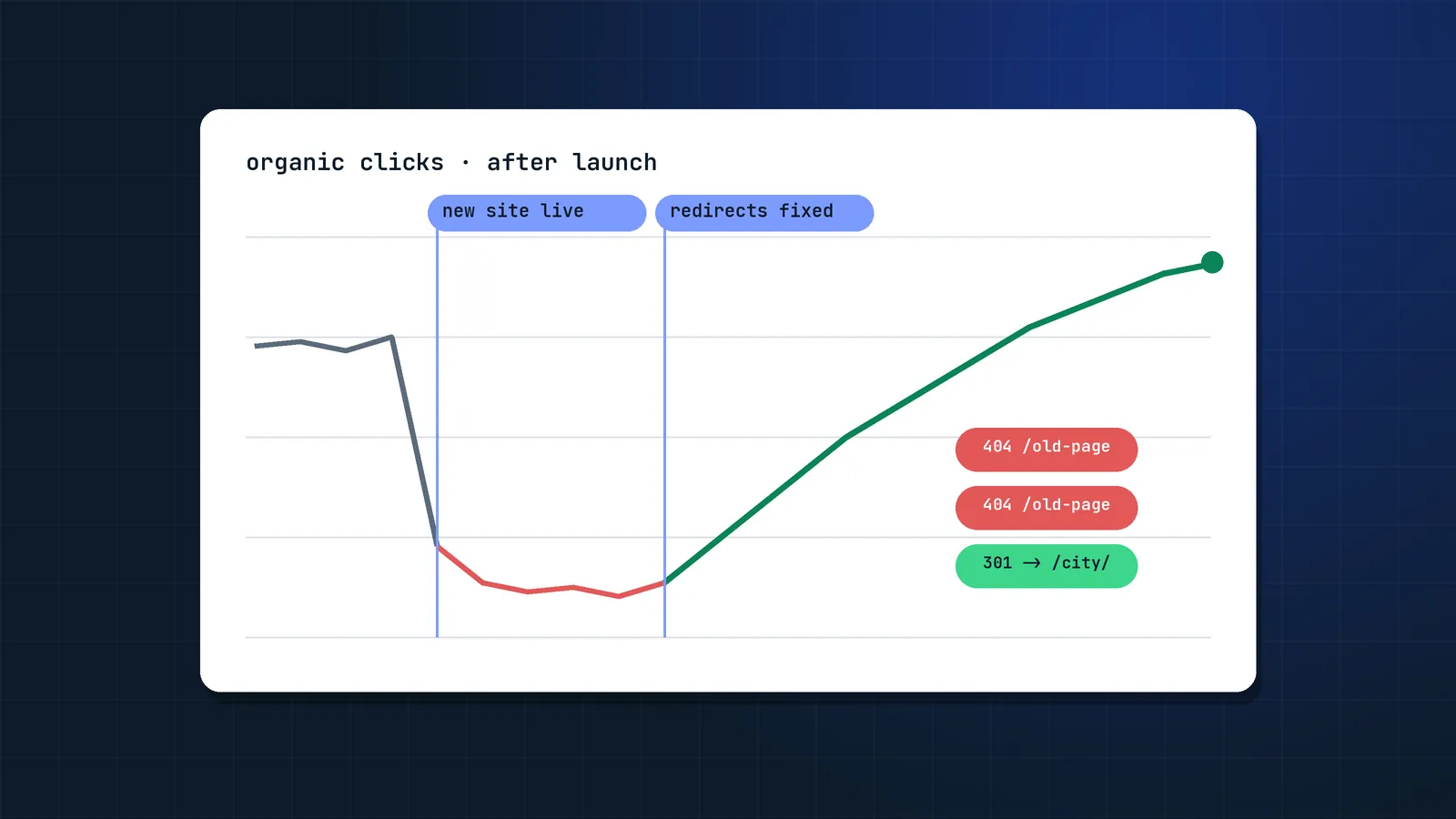
I have been called in after the fact more than once. The clearest example was an Australian hospitality events marketplace. A rebuild in mid-2023 removed the "specials + location" pages that brought in most organic users, and mass redirects sent that traffic to pages that did not match. Four months of recovery work later, app installs from organic search were up 324%, organic traffic had gone from about 6,600 to 12,000 visits a month, and top-3 keywords had grown from 65 to 175.
The good news: a migration drop is usually the most fixable kind of traffic loss, because the cause is on your site, not in Google's algorithm. If you are still planning a migration, read my site migration checklist first.
Is it really the migration?
Before fixing anything, confirm that the migration caused the drop. Three quick checks:
- Timing. In Search Console, set the Performance report to daily and compare the drop with your launch date. A migration drop usually starts within days of launch.
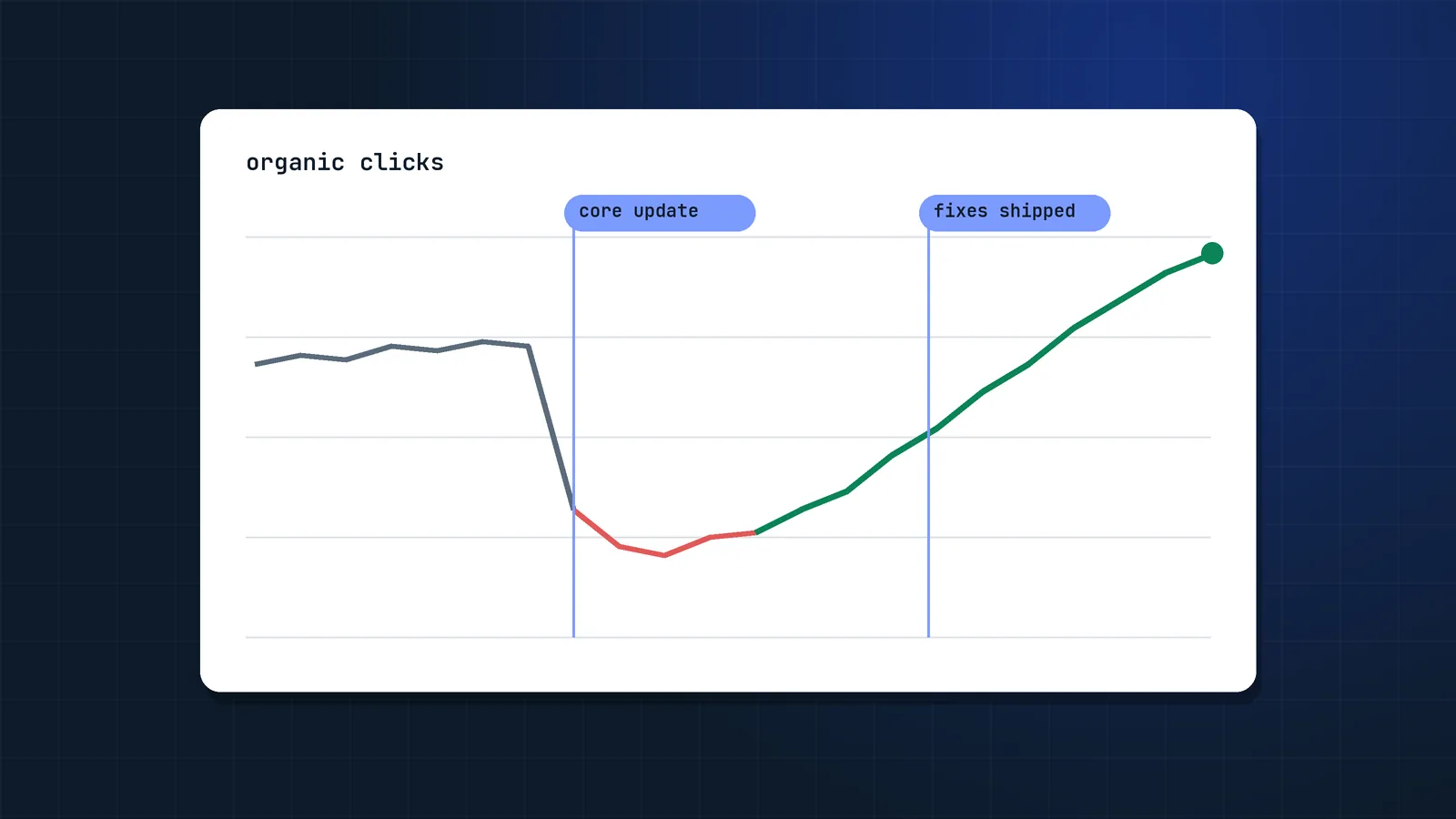
- Google updates. Check the Google Search Status Dashboard. If a core or spam update rolled out in the same weeks, you may be dealing with both. My core update recovery playbook covers that side.
- Tracking. New templates often ship without the analytics tag, or with consent settings that hide sessions. If Search Console clicks are stable but analytics sessions fell, it is a tracking problem, not an SEO problem.
If clicks in Search Console fell sharply right after launch and no update explains it, treat it as a migration problem.
Normal dip or failed migration?
Some fluctuation after a migration is normal. Google says that for medium-sized sites it can take a few weeks or more before it shows the new URLs instead of the old ones, and longer for large sites.
| Signal | Normal dip | Failed migration |
|---|---|---|
| Size of the drop | Small, mixed by page | Large, concentrated on certain page types |
| Trend after 2 to 3 weeks | Recovering | Flat or still falling |
| Old URLs in the Page indexing report | Moving to "Page with redirect" | 404s, soft 404s, "Crawled, currently not indexed" |
| New URLs | Getting impressions | Few or no impressions |
| Rankings | Same keywords, small moves | Keywords lost entirely |
If traffic is still well below the old baseline after six to eight weeks, stop waiting. Something is broken.
Step 1: Find exactly what was lost
Do not start with a site-wide audit. Start with the traffic that disappeared.
- Search Console, Pages tab: compare the 3 months before launch with the period since. Export both, sort by lost clicks. These are your priority URLs.
- Search Console, Queries tab: the same comparison shows which topics lost visibility.
- Group the losses by page type: locations, categories, products, blog, landing pages. In my experience the loss is almost never even. One or two templates usually account for most of it.
- Analytics: landing pages with sessions and conversions before launch, so you know which losses cost money.
- Backlinks: old URLs with external links (Ahrefs, Semrush or the Search Console Links report).
On the events marketplace, this step answered the question within a day: almost all the lost traffic sat on location and special-offer pages that no longer existed.
Step 2: Check where the old URLs go now
Take the list of lost URLs and crawl it in list mode (Screaming Frog or Sitebulb). For each old URL, record:
- Status code: 200, 301, 302, 404, 410, 5xx.
- Final destination after redirects, and the number of hops.
- Relevance: does the destination cover the same topic and intent?
The most common findings, roughly in order of how often I see them:
| Finding | Why it hurts | Fix |
|---|---|---|
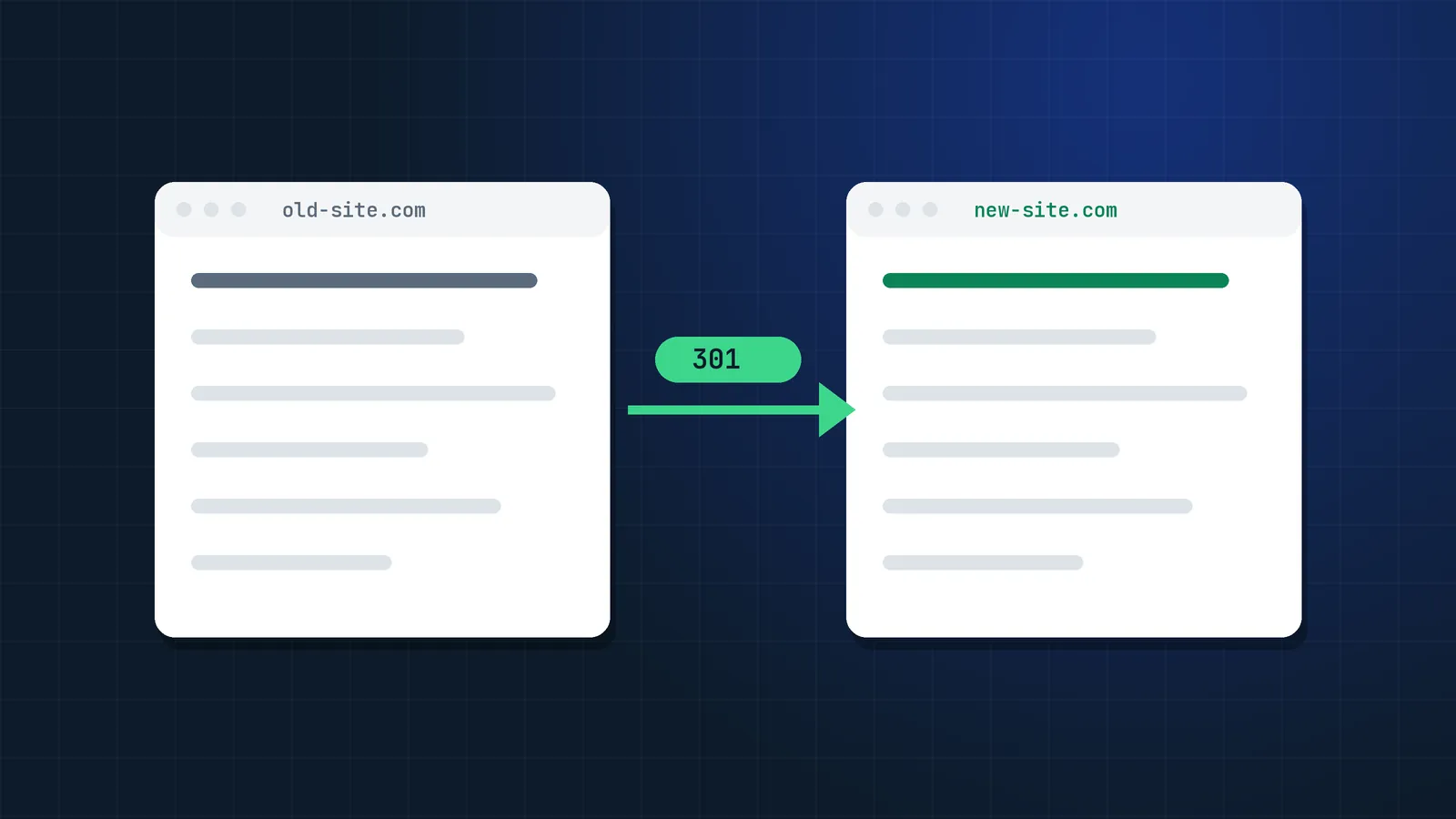
| Old URLs return 404 | Rankings and links are lost | 301 to the closest equivalent page |
| Everything redirects to the homepage or a category | Google treats irrelevant redirects like soft 404s | Map one to one, or rebuild the missing page |
| Pages were removed in the redesign | Nothing relevant to redirect to | Bring the pages back |
| Redirect chains or 302s | Slower signal transfer, crawl waste | Single 301 to the final URL |
| HTTP or old-domain URLs never redirected | Duplicate versions, split signals | Site-wide 301 rules |
That third row is the one teams resist the most. If the redesign deleted pages that earned traffic, no redirect will fully replace them. The marketplace recovery started with exactly that: bringing the lost landing pages back on clean URLs organised by city, type of special and weekday.
Step 3: Remove crawl and indexing blockers
Next, check that Google can reach and index the new site:
- robots.txt: no leftover
Disallow: /from staging, and no blocked CSS or JavaScript. - noindex: check templates and HTTP headers (
X-Robots-Tag), not only the HTML. - Canonicals: pointing to the live, final URL, not staging, the old domain, or a parameter version.
- Rendering: use the URL Inspection tool's live test to confirm main content and links appear in the rendered HTML.
- Faceted and filtered URLs: new platforms often expose filtered URLs where clean ones used to be. On the marketplace, filtered URLs had replaced the clean location pages in Google's index.
- Status codes: removed content should return a real 404 or 410, not a 200 page that says "not found".
Step 4: Rebuild sitemaps and internal links
Redesigns quietly break internal linking. Menus get shorter, footers lose links, and old in-content links still point to redirected URLs.
- XML sitemaps should list only live, indexable, canonical URLs with a 200 status. Add any orphan pages that earn traffic.
- Update internal links to point straight to the new URLs instead of going through redirects.
- Restore navigation paths to the page types that lost traffic. If location pages are no longer linked from the menu or a hub page, Google sees them as less important.
- Submit the new sitemap in Search Console and keep the old one available for a few weeks so Google recrawls the redirects faster.
Step 5: Check content and template parity
If URLs and redirects are right but rankings are still lower, compare the old and new versions of your top pages. The Wayback Machine or your pre-launch crawl will show the old version.
- Lost text: intros, FAQs, comparison tables and descriptive copy that the design team considered clutter.
- Titles and H1s: generic templates often replace hand-written ones.
- Structured data: product, breadcrumb, FAQ or organization markup missing on new templates.
- Speed and Core Web Vitals: heavier templates can slow down key pages.
- UX: on the marketplace, list views and fully clickable cards were part of the fix, because users and Google both needed to reach the offers easily.
Those "boring" sections are often the passages that Google AI Overviews and AI assistants quote, so restoring them helps in AI search too.
Step 6: Ship fixes in the right order
Fix in order of traffic and revenue, not in order of how many URLs are affected:
- Restore or redirect the URLs that lost the most clicks and conversions.
- Remove indexing blockers (noindex, robots.txt, wrong canonicals).
- Clean up redirect chains, HTTP versions and sitewide rules.
- Sitemaps and internal links.
- Content, titles and structured data on the affected templates.
Then request indexing for a handful of the most important restored pages in Search Console, and let the sitemap cover the rest. For Bing and Copilot, submit changed URLs through IndexNow or Bing Webmaster Tools.
From my work: on the events marketplace, the fixes were 301 redirects to HTTPS, the lost landing pages rebuilt on clean URLs, a clean sitemap with orphan pages added, correct 404 and 410 responses, new titles, meta descriptions and H1s, and UX changes to the listing pages. Within four months, Search Console clicks went from 6,610 to 12,300 a month, impressions from 515,000 to 920,000 and average position from 17.6 to 14.9.
How long does recovery take?
In my experience, once the cause is fixed:
- Redirect and indexing fixes usually show in Search Console within two to six weeks, as Google recrawls the affected URLs.
- Restored pages take longer, often two to four months, because they have to earn their rankings back.
- Domain changes and very large sites take the longest. A SALT.agency study of 1,052 domain migrations found only about 27% back to their old traffic within 90 days and about 58% within a year.
Track recovery weekly by page type, against the pre-launch baseline: clicks and impressions in Search Console, conversions in analytics, and indexed pages in the Pages report.
When should you call a migration specialist?
You can work through most of this guide with a developer and Search Console. It is worth bringing in an experienced SEO when:
- traffic is still down two months after launch and the cause is not obvious;
- the site has tens of thousands of URLs, faceted navigation or several countries;
- the migration changed domain, platform and URLs at the same time;
- revenue depends heavily on organic search and every week counts.
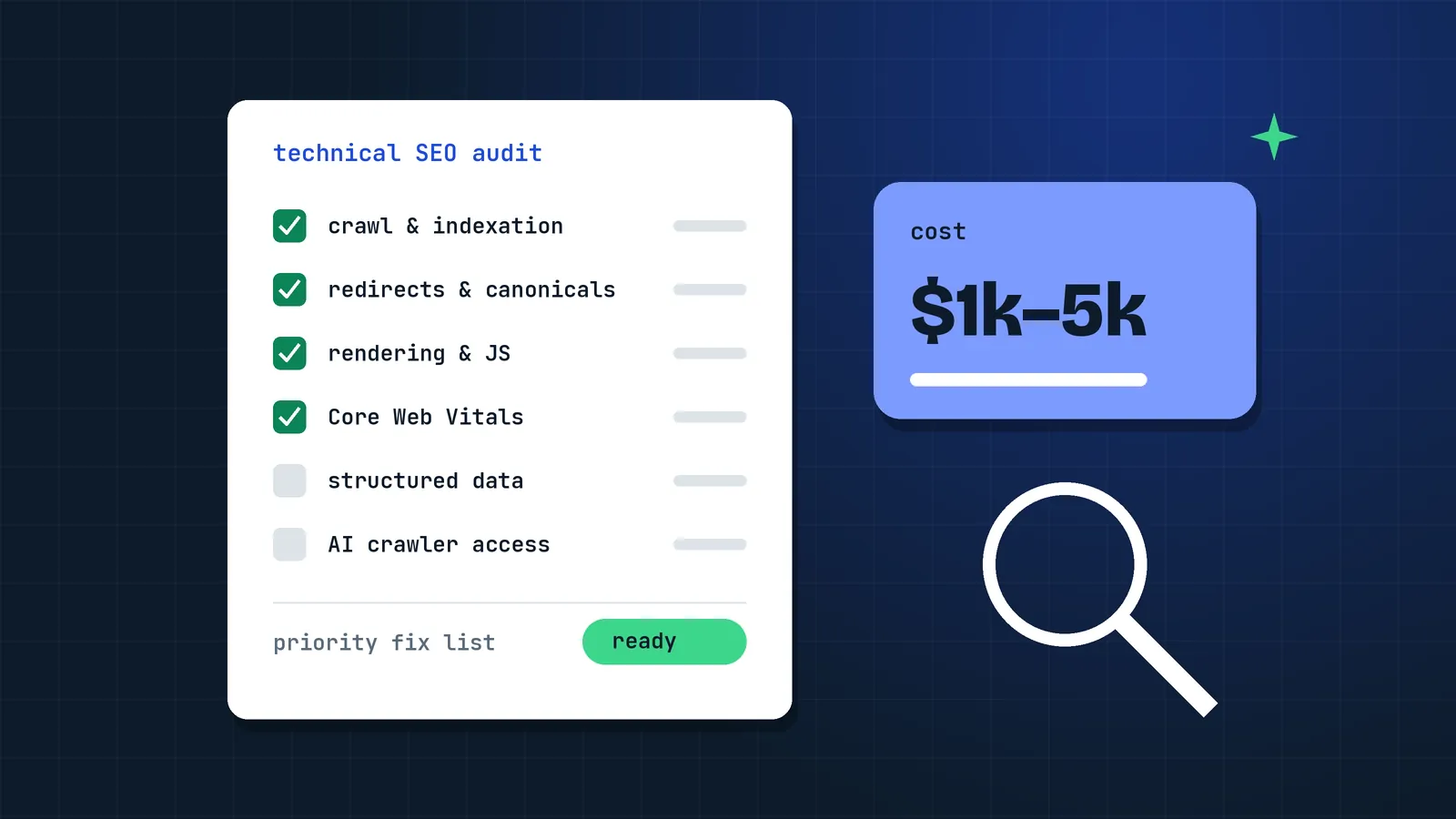
A focused recovery audit is usually faster and cheaper than months of guessing. I explain what one costs in my guide to technical SEO audit pricing. If your traffic dropped after a migration, this is exactly the work I do in my SEO migration and recovery services.
FAQ
Can you recover SEO traffic after a failed site migration?
Yes, in most cases. When the drop was caused by missing redirects, removed pages, indexing blockers or broken internal links, fixing those causes usually brings most of the traffic back. Recovery is harder when valuable content was deleted and never restored.
How long does it take to recover from a bad site migration?
Redirect and indexing fixes often show results within two to six weeks. Restoring lost pages and rankings usually takes two to four months. Large sites and domain changes can take longer while Google recrawls everything.
Should I roll back to the old website?
Rarely. Rolling back creates a second migration and more confusion for Google. It only makes sense within the first days after launch, when the old site is still intact and the new one has a fundamental problem such as being completely blocked from crawling.
Why did my rankings drop after a website redesign if the URLs stayed the same?
Usually because the content, internal links, titles or structured data changed. Redesigns often remove text, FAQs and links that helped pages rank. Compare the old and new versions of your top pages and restore what was lost.
Is it too late to add redirects months after a migration?
No. Adding correct 301 redirects months later still helps, especially for old URLs that have backlinks or still get crawled. The sooner you add them, the more value you keep.
How do I know which pages lost traffic after a migration?
Compare the period before and after launch in the Search Console Performance report, on the Pages tab, and sort by lost clicks. Then group the URLs by page type to see which templates or sections caused most of the loss.
Should I tell Bing about migration fixes?
Yes. Resubmit the corrected sitemap in Bing Webmaster Tools and notify Bing of changed URLs with IndexNow. Microsoft Copilot answers are grounded in the Bing index, so fixing Bing helps your visibility in Copilot too.
Sources
- Site moves with URL changes, Google Search Central
- Redirects and Google Search, Google Search Central
- Debugging drops in Google Search traffic, Google Search Central
- Google Search Status Dashboard
- Only 27% of domain migrations recover in 90 days (1,052 migrations), SALT.agency
- Page indexing report, Search Console Help
- URL Inspection tool, Search Console Help
- Learn about sitemaps, Google Search Central
- IndexNow, Microsoft Bing