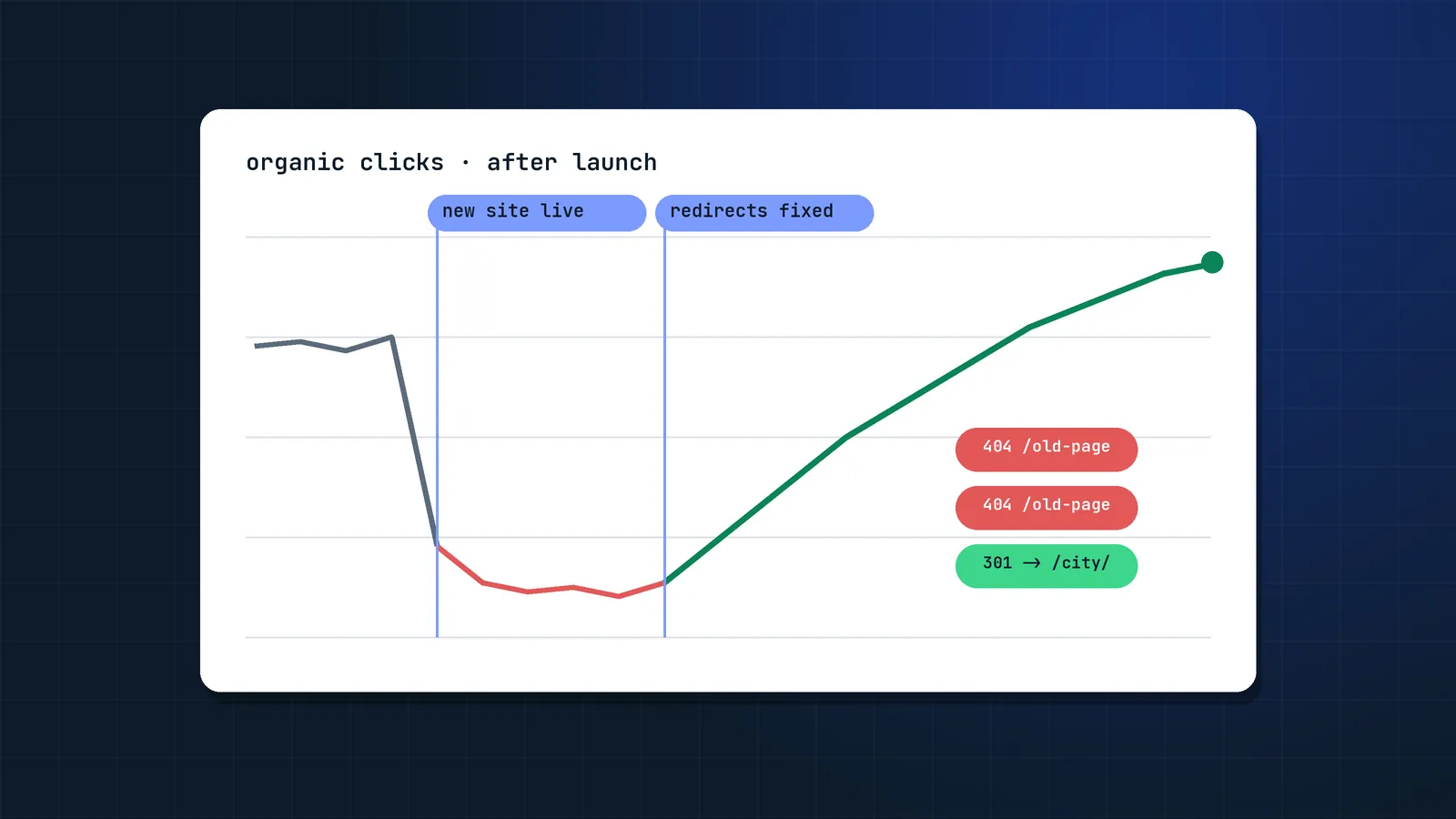
Migrations are where years of SEO equity can disappear in a weekend. I was brought in to an Australian events marketplace after a failed migration wiped out its location pages. Rebuilding the URL structure by city, offer and weekday, fixing redirects and cleaning up sitemaps took four months and ended with 324% more app installs from organic search. Every one of those problems was preventable.
This is the checklist I use for redesigns, CMS changes, replatforming (for example Magento to Shopify), domain moves and HTTP or subdomain consolidations.
What types of site migration are there, and how risky are they?
A site migration is any change to a site's URLs, platform, domain, structure or templates that can affect how search engines crawl, index and rank it. The more of those that change at once, the higher the risk:
| Migration type | What changes | Risk |
|---|---|---|
| Redesign (same URLs) | Templates, content, internal links | Medium |
| CMS or platform change | URLs, templates, rendering, features | High |
| URL structure change | Paths, hierarchy | High |
| Domain change or rebrand | Every URL | High |
| Merging sites or subdomains | URLs, content overlap | Very high |
| International restructure | ccTLDs, subfolders, hreflang | Very high |
Combining several of these at once (for example, new domain plus new platform plus new content) multiplies risk. If you can, split them into phases. Merging two sites needs extra content decisions, which I cover in my guide to merging two websites without losing SEO.
Phase 1: Planning (6 to 12 weeks before launch)
Planning decides most of a migration's outcome: set goals, pick a quiet launch window and get SEO rules into the build before development starts.
- Define goals and KPIs: organic sessions, revenue, top keyword rankings, indexed pages.
- Agree a launch window outside your peak season.
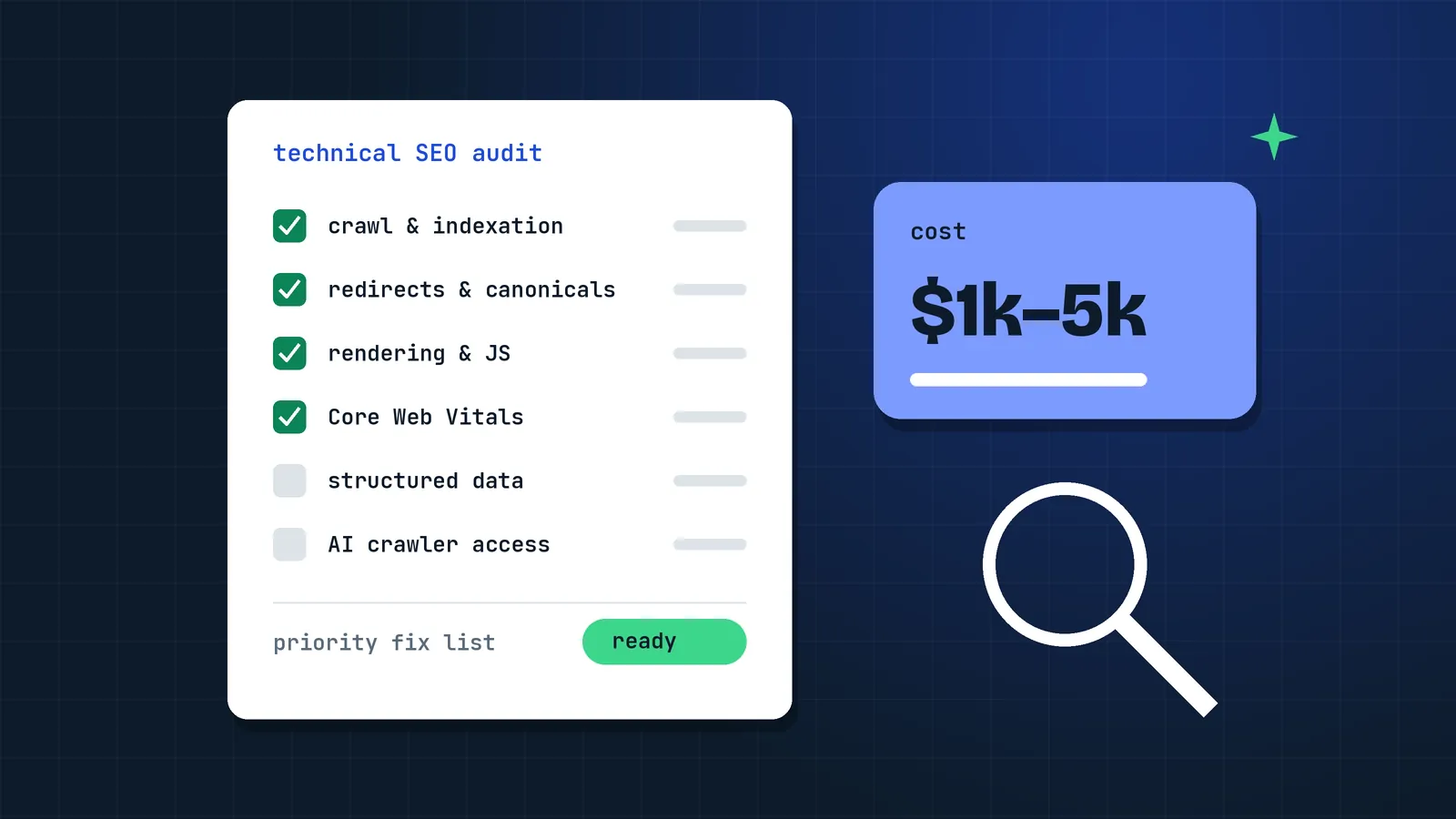
- Budget for the SEO work separately from the build. My guide to SEO migration cost shows typical prices by site size.
- Get SEO into design and development tickets: URL rules, template requirements, rendering, pagination, faceted navigation.
- Choose the URL structure. Keep URLs unchanged where possible. Every changed URL is a redirect and a risk.
- Check platform constraints. Some platforms force path prefixes (Shopify uses
/products/and/collections/), limit redirect counts, or handle canonicals and pagination in fixed ways.
Phase 2: Benchmark everything
Before anything changes, capture a full snapshot:
- Full crawl of the current site (Screaming Frog or Sitebulb), including status codes, titles, meta descriptions, H1s, canonicals, structured data and word counts.
- Search Console exports: top pages and queries for the last 12 to 16 months.
- Analytics: landing pages with sessions, conversions and revenue.
- Backlinks: pages with external links (Ahrefs, Semrush, Search Console Links report).
- Rankings for priority keywords.
- XML sitemaps and robots.txt.
- Server logs, if available, to see what Googlebot actually crawls.
Save this. You will need it to compare and to debug.
Phase 3: Redirect mapping
The redirect map is the single most important document in a migration.
- Combine URLs from the crawl, sitemaps, Search Console, analytics and backlink tools. Crawls alone miss orphan pages that still get traffic or links.
- Map each old URL to the closest equivalent new URL, one to one.
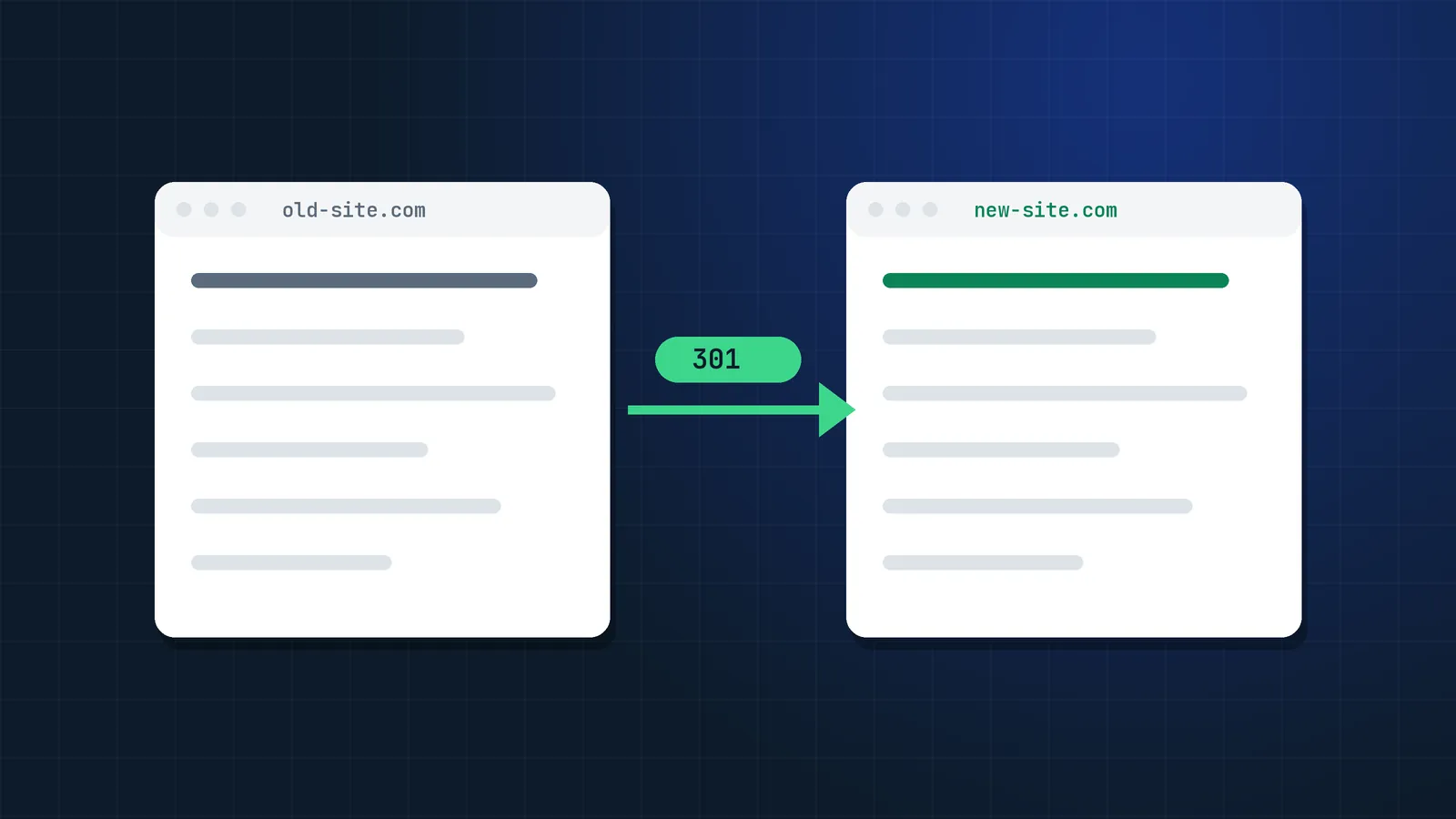
- Use 301 (or 308) permanent redirects.
- Avoid chains: update old redirects so they point straight to the final URL.
- Do not redirect everything to the homepage. Google treats irrelevant redirects like soft 404s.
- For removed products or pages, redirect to the nearest category or replacement; return 404 or 410 only when nothing relevant exists.
- Keep redirects in place for at least a year, ideally permanently.
Phase 4: Pre-launch testing on staging
Test the new site on staging before launch, while missing pages, broken redirects and tracking gaps are still cheap to fix:
- Staging is password-protected or blocked, and that protection is removed at launch.
- Crawl staging and compare with the benchmark: missing pages, changed titles, lost content, broken internal links.
- Check rendering: main content, links and structured data visible in the rendered HTML (see Google's JavaScript SEO basics).
- Test redirects from the full old URL list against staging.
- Validate canonicals, hreflang, pagination and structured data.
- Check Core Web Vitals on key templates.
- Confirm analytics and tag manager are installed, with conversions configured.
Phase 5: Launch day
Within the first hours after launch:
robots.txtallows crawling (no leftoverDisallow: /from staging).- No
noindexon live pages (check templates and HTTP headers). - Canonicals point to live URLs, not staging.
- Redirects work for a sample of top pages and for the full list via crawl.
- New XML sitemaps are live and submitted in Search Console and Bing Webmaster Tools. Bing also accepts instant URL change notifications through IndexNow, and Copilot answers are grounded in the Bing index.
- For domain moves, use the Change of Address tool in Search Console.
- Analytics is recording sessions and conversions.
- Internal links point to new URLs directly, not via redirects.
- Top 20 pages checked manually on mobile and desktop.
Tip: keep the old XML sitemap available for a few weeks alongside the new one. It helps Google discover the redirects faster.
Phase 6: Post-launch monitoring (first 8 weeks)
- Daily for week one: Search Console Pages report (indexing), crawl errors, server errors, 404s, analytics sessions.
- Weekly: rankings for priority keywords, organic sessions and revenue vs benchmark, Crawl Stats.
- Recrawl the old URL list weekly to catch redirects broken by later deployments.
- Fix 404s with traffic or backlinks immediately.
- Update important external links (profiles, partners) to new URLs.
What is normal?
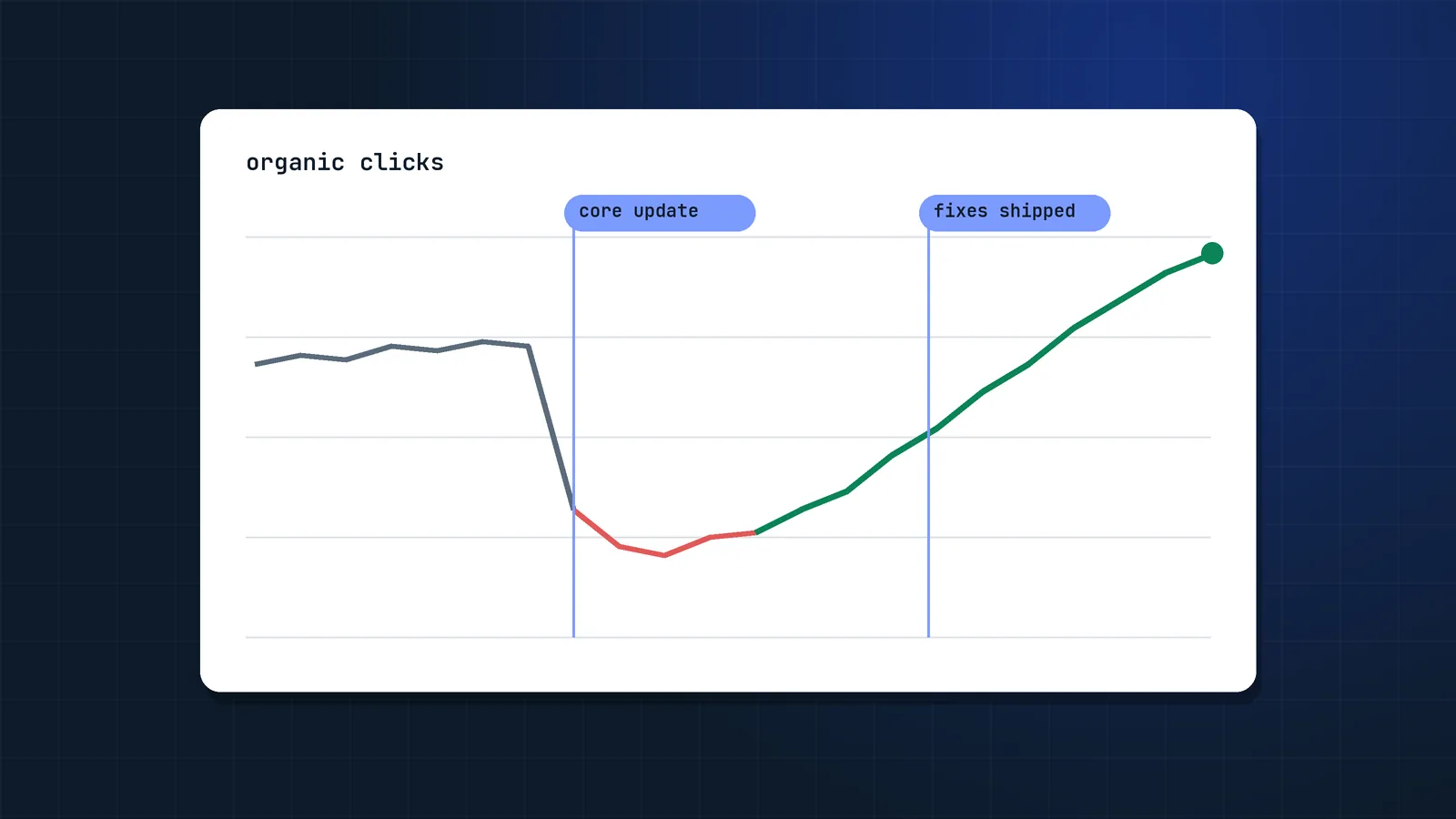
A temporary fluctuation of a few weeks is common while Google recrawls and processes redirects. Domain moves take longest: a SALT.agency study of 1,052 domain migrations found that only about 27% recovered within 90 days, about 58% within a year, and 13.9% showed no full recovery after three years. If traffic is still significantly down after six to eight weeks, investigate: missing redirects, content changes, lost internal links, rendering problems or canonical issues are the usual causes.
What changes for migrations in the age of AI search?
Two extra checks for 2026:
- AI crawler access: new CDNs, WAFs and bot protection often block AI search crawlers by default. Check that the crawlers you want (for example
OAI-SearchBot,PerplexityBot) can still reach your site. See llms.txt and AI crawlers. - Content parity: redesigns often cut "boring" text sections, FAQs or tables. Those are exactly the passages AI Overviews and assistants cite. Keep them.
FAQ
How long does it take to recover traffic after a site migration?
A well-executed migration usually stabilises within a few weeks. Large sites or domain changes can take longer while Google recrawls everything. If traffic has not recovered after six to eight weeks, something is likely wrong and should be investigated.
Should I use 301 or 302 redirects for a migration?
Use 301 (or 308) permanent redirects for a migration. They tell search engines the move is permanent and consolidate signals to the new URL. Temporary 302 redirects are for genuinely temporary changes.
Can I redirect all old pages to the homepage?
No. Redirecting unrelated pages to the homepage is treated like a soft 404 and loses the relevance and link value of those pages. Redirect each URL to its closest equivalent, or to the most relevant category if the page no longer exists.
How long should I keep redirects after a migration?
At least one year, and ideally permanently. Old URLs keep receiving links, bookmarks and occasional crawls for a long time, and removing redirects too early can cause losses later.
When should an SEO be involved in a website redesign?
At the start, before wireframes and development begin. URL structure, templates, content parity, rendering and internal linking are decided early, and fixing them after launch is far more expensive.
What is a site migration in SEO?
A site migration is any significant change to a website that can affect how search engines crawl, index and rank it: a new domain, a new CMS or platform, a new URL structure, a redesign, or merging sites. Most migrations change URLs, which is why redirects are central to them.
How much traffic loss is normal after a migration?
A short dip of a few weeks is normal while Google processes redirects. Domain changes take longer: in a SALT.agency study of 1,052 domain migrations, about 27% recovered within 90 days and about 58% within a year. A drop that is still large after six to eight weeks usually points to a fixable problem.
Do I need to tell Bing about a site migration?
Yes. Submit the new sitemap in Bing Webmaster Tools and use IndexNow to notify Bing about changed URLs. Microsoft Copilot answers are grounded in the Bing index, so a slow Bing recrawl also delays your visibility in Copilot.
Sources
- Site moves with URL changes, Google Search Central
- Redirects and Google Search, Google Search Central
- Change of Address tool, Search Console Help
- Only 27% of domain migrations recover in 90 days (1,052 migrations), SALT.agency
- Learn about sitemaps, Google Search Central
- Understand JavaScript SEO basics, Google Search Central
- How to specify a canonical URL, Google Search Central
- Tell Google about localized versions of your page (hreflang), Google Search Central
- Bing Webmaster Guidelines, Microsoft Bing