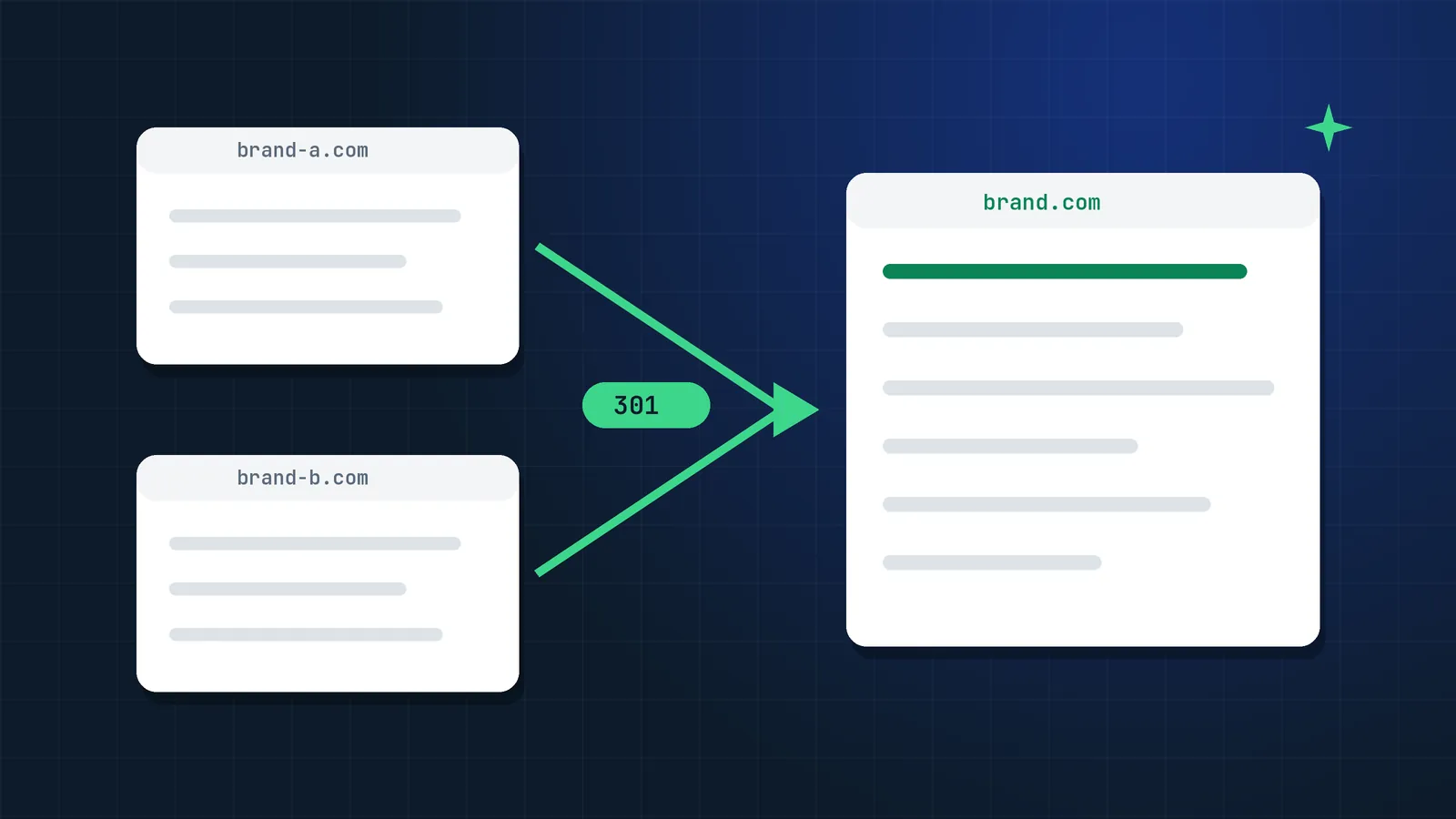
A company buys a competitor and wants one brand. A business has run two sites for years, one per product line, and wants to stop paying for both. A rebrand folds a regional site into the main one. In each case, someone eventually asks the same question: will we lose our Google traffic?
You do not have to, but a merge is the hardest kind of site migration to get right. A normal migration moves one site to a new address. A merge also has to decide what happens when both sites have a page about the same thing. This guide covers that decision and everything around it. For the general migration steps, see my site migration SEO checklist.
Should you merge the two websites at all?
Merge when the two sites serve the same audience and you want one brand to own the topic. Keep them separate when the audiences, countries or products really differ.
| Situation | Usually merge | Usually keep separate |
|---|---|---|
| After an acquisition, one brand will remain | Yes | |
| Two sites target the same queries and compete | Yes | |
| The team cannot maintain two sites properly | Yes | |
| Brands serve different audiences or price levels | Yes | |
| The acquired site has strong brand searches of its own | Keep for now, merge later | |
| The acquired site has a manual action or spam history | Do not redirect it until it is cleaned up |
That last row matters. Redirects pass signals, good and bad. Before you merge, check the acquired site's Search Console for manual actions and its backlink profile for spam, as Google recommends for any recently purchased domain.
Will the merged site get the traffic of both sites combined?
Usually not right away, and often not fully. When two sites have pages about the same topic, those pages competed for the same queries. After the merge, one page ranks where two used to, so some overlap simply disappears.
The traffic you can expect to keep is mostly the traffic from pages that were unique to the retired site. Measure the overlap before you promise anyone a number:
- Export the top queries and landing pages for both sites from Search Console for the last 12 months.
- Find the queries where both sites ranked. That traffic will not double.
- The rest is the traffic you are moving. Treat it as the target for the post-merge monitoring.
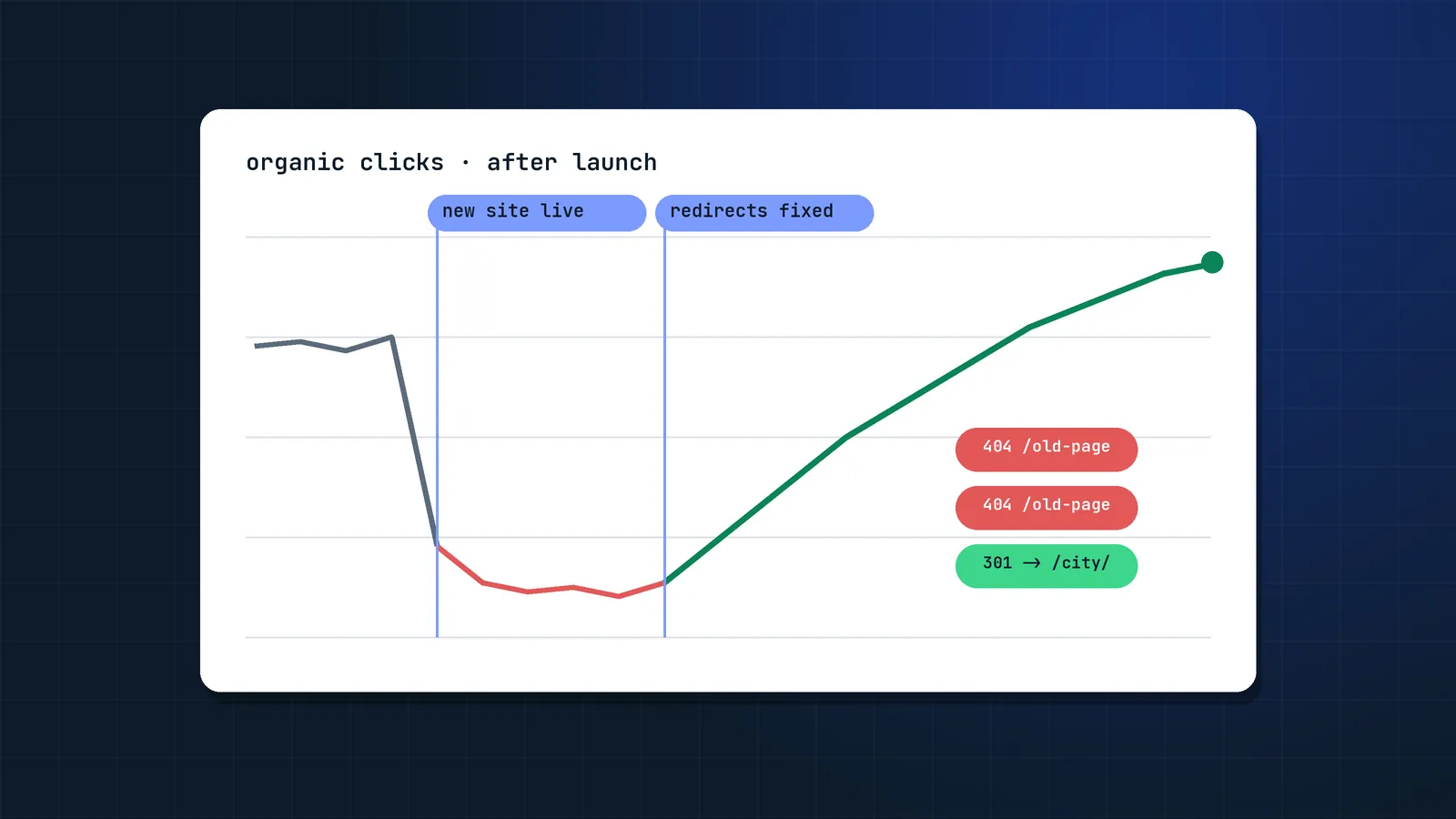
Google also notes that if you combine a move with a redesign of the content and URL structure, you will probably see some traffic loss while it reassesses the pages (Change of Address tool). Plan for months, not weeks.
Which domain should you keep?
Usually the one with more organic traffic, more referring domains and the brand you will use going forward. When those point in different directions, the brand decision normally wins, and the SEO plan has to protect the other site's traffic.
Compare the two sites on:
- Organic clicks and conversions in Search Console and analytics.
- Referring domains and the quality of the links, from the Search Console Links report and a tool like Ahrefs or Semrush.
- Brand searches. If people search for the retired brand by name, plan a landing page that explains the change, such as "Brand X is now part of Brand Y".
- Domain history and technical health: manual actions, security issues, indexing problems.
You do not always need a new domain. Moving the smaller site into a folder of the bigger one, for example bigbrand.com/products/, is a common and safe pattern, and the Change of Address tool supports moving a domain to a path within another domain.
How do you decide what happens to each page?
Every URL on the retired site gets one of four decisions. This content inventory is the core of a merge, and the step most teams rush.
| Decision | When to use it | What happens to the URL |
|---|---|---|
| Keep and move | The page is unique and earns traffic, links or conversions | 301 to the new location, same content |
| Combine | Both sites cover the topic | Merge the best of both pages into one, 301 the other URL to it |
| Redirect to the closest topic | The page is thin but has links or some traffic | 301 to the most relevant page, not the homepage |
| Remove | No traffic, no links, outdated or off-brand | Return 404 or 410 |
Combining is where most of the value is. Take the page that ranks better as the base, add what the other page covered that this one lacks (sections, FAQs, data, examples) and redirect the weaker URL to it. Google's guidance on duplicate content is to consolidate to one canonical page, and a 301 is the strongest way to do that.
Removing is fine. Google's site move guide says deleted or merged content that you are not moving should return a proper 404 or 410 on the new site (Google Search Central). Redirecting hundreds of unrelated pages to the homepage does not keep their value; Google tends to treat those like soft 404s.
How do you build the redirect map for a merge?
The same way as for a migration, with an extra column for the content decision:
- Collect every URL of the retired site from a full crawl, the CMS, XML sitemaps, Search Console, analytics and backlink exports. Include images and PDFs that get traffic.
- Add data to each URL: clicks, conversions, referring domains, and whether the surviving site has a page on the same topic.
- Assign the decision from the table above and the target URL.
- Map one to one. Each old URL goes straight to its final destination, no chains. Googlebot follows up to 10 hops, but Google advises redirecting to the final destination and keeping chains as short as possible.
- Prepare the surviving site: new and combined pages live, internal links updated, a new XML sitemap that includes them, and self-referencing canonicals.
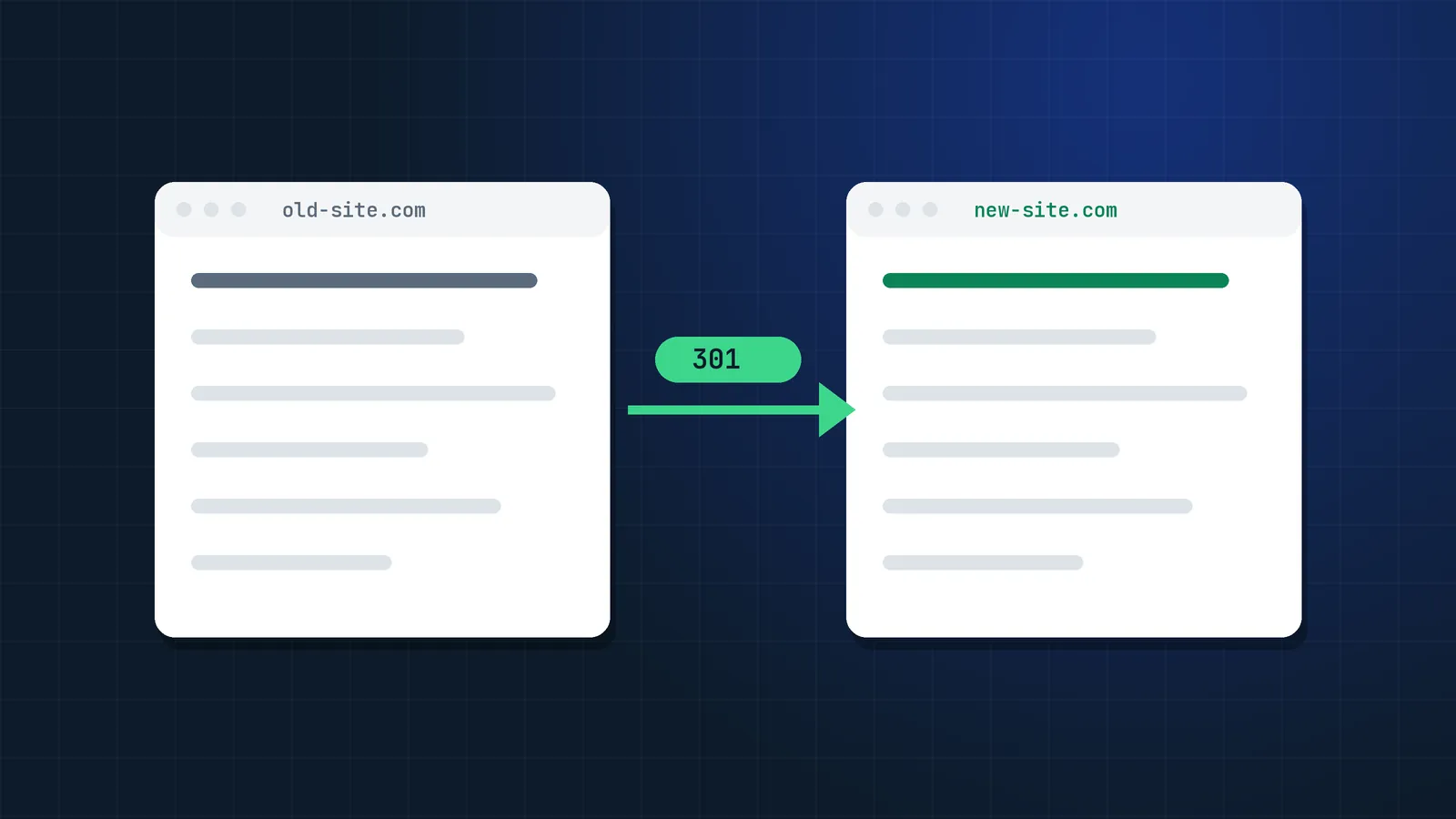
Use server-side permanent redirects (301 or 308). Google confirms that permanent redirects do not cause a loss in PageRank.
Should you merge several sites at once?
No. Google's own advice in the Change of Address documentation is to try not to combine multiple moves into a single location: moving sites A, B and C to D at the same time can cause confusion and traffic loss. Move them one at a time and wait until traffic stabilises before moving the next one.
The same logic applies to the rest of the project. If the merge also includes a new CMS and a new design, do them in phases where you can. Google recommends changing one thing at a time during site moves.
What do you need to do in Search Console and Bing?
On launch day, after the redirects are live:
- Verify both sites in Search Console, including all www and non-www variants, with the same Google account.
- Run the Change of Address tool from the retired domain to the surviving one, if the whole domain moves. You do not need it when only some pages move or when you move paths within the same domain. Google treats the request as active for 180 days.
- Submit the new sitemap of the surviving site, and keep a sitemap of the old URLs available for a few weeks so Google recrawls the redirects faster.
- Re-upload any disavow file from the retired site to the surviving property, as Google suggests in its site move guide.
- Repeat in Bing Webmaster Tools and send the changed URLs through IndexNow. Microsoft Copilot uses Bing's index, so this also affects how both brands appear in Copilot answers.
What else should you merge besides the website?
The parts outside the website often decide whether the brand change sticks in search and in AI answers:
- Google Business Profiles: update names, websites and categories for the locations that move.
- Organization structured data: on the surviving site, describe the acquired brand with Organization markup, and use
sameAsfor the profiles that stay. - Top backlinks: ask the most valuable linking sites to update their links to the new URLs, starting with those that send real visitors.
- Profiles and listings: LinkedIn, directories, review sites, app stores and partner pages.
- An "about the merger" page on the surviving site, linked from the old brand's redirected homepage, so both users and AI assistants have a clear source for "Brand X is now Brand Y".
How long does it take, and what should you monitor?
For a small or mid-size merge, Google typically needs a few weeks to start showing the new URLs, and larger sites take longer. Merges usually take longer than simple domain moves because the combined pages have to be reassessed. A SALT.agency study of 1,052 domain migrations found only about 27% back to their previous traffic within 90 days and about 58% within a year.
Monitor weekly, against the benchmark you set before the merge:
- Clicks to the surviving site, split into old pages and pages that came from the retired site.
- Old URLs in the Page indexing report moving to "Page with redirect".
- 404s and soft 404s on the surviving site.
- Brand searches for the retired brand and where they land.
- Conversions, because some combined pages may rank but convert differently.
Keep the redirects for at least a year, and keep the retired domain registered for at least a year as well. Google recommends this so nobody else can buy the domain and reuse your old links.
When should you bring in a migration specialist?
A merge is worth outside help when the retired site earns meaningful revenue, when both sites are large or multilingual, when the merge comes with a new platform, or when there is a deadline set by the deal rather than by the project. I explain what that support usually costs in my guide to SEO migration cost, and if the merge already happened and traffic fell, start with my failed site migration recovery plan.
This is the kind of project I take on in my SEO migration services: the content inventory, the redirect map, launch checks and monitoring until the traffic is back.
FAQ
Will I lose SEO if I merge two websites?
You will usually see a temporary dip, but you do not have to lose the traffic permanently. Mapping every valuable page with a 301 redirect, combining overlapping pages and moving one site at a time keeps most of the value. Traffic from queries where both sites ranked will not double.
How do I merge two websites into one without losing rankings?
Pick the domain to keep, inventory every page on the retired site, decide whether to keep, combine, redirect or remove each one, and 301 redirect old URLs one to one to their closest equivalent. Then submit the new sitemap, use the Change of Address tool for a whole-domain move and monitor Search Console weekly.
Should I redirect the whole old domain to the new homepage?
No. Redirecting every URL to the homepage throws away the rankings of individual pages, and Google tends to treat irrelevant redirects like soft 404s. Redirect each page to its closest equivalent and return a 404 or 410 for pages you remove.
Can I use the Change of Address tool when merging sites?
Yes, when the whole retired domain moves to the surviving site, including into a folder of it. You must own both properties in Search Console. Google advises moving one site at a time rather than several into one location at once.
How long does it take for merged websites to recover traffic?
Google usually starts showing new URLs within a few weeks for small and mid-size sites. Combined traffic often takes three to six months to settle, and longer for large sites or merges that also change platform or design.
Is it better to merge websites or keep them separate?
Merge when the sites serve the same audience and compete for the same searches. Keep them separate when audiences, countries or products differ, or when the retired brand still gets strong brand searches and needs time to transition.
What happens to backlinks when you merge two websites?
Backlinks to old URLs pass their value through 301 redirects, which Google says do not lose PageRank. Keep the redirects for at least a year and ask the most important linking sites to update their links to the new URLs.
Should I merge content from both sites into one page?
Where both sites cover the same topic, yes. Start from the page that ranks better, add what the other page covered that it lacks, and redirect the weaker URL to it. That one stronger page usually ranks better than the two did separately.
Sources
- Site moves with URL changes, Google Search Central
- Change of Address tool, Search Console Help
- Redirects and Google Search, Google Search Central
- How to specify a canonical URL (consolidate duplicate URLs), Google Search Central
- Organization structured data, Google Search Central
- Manual actions report, Search Console Help
- Links report, Search Console Help
- Page indexing report, Search Console Help
- Only 27% of domain migrations recover in 90 days (1,052 migrations), SALT.agency
- IndexNow, Microsoft Bing
- Bing Webmaster Guidelines, Microsoft Bing