AI Overviews and AI Mode are no longer an experiment you can wait out. Google says AI Overviews now have more than 2.5 billion monthly users and AI Mode more than 1 billion (Google, June 2026), and independent studies agree they reduce clicks to classic blue links: Ahrefs measured a 58% lower click-through rate for the top-ranking page when an AI Overview is shown. The good news: Google keeps adding more visible links to the sources it uses. If your page is one of those sources, you get brand exposure on every impression and a click from the people who want depth.
This guide explains what Google officially says about how sources are chosen, what changed in October 2026, and the steps I use to make pages worth citing.
What changed in AI Overviews and AI Mode in October 2026?
On October 15, 2026 Google announced five changes to links in AI Overviews and AI Mode, in a post on The Keyword by Hema Budaraju:
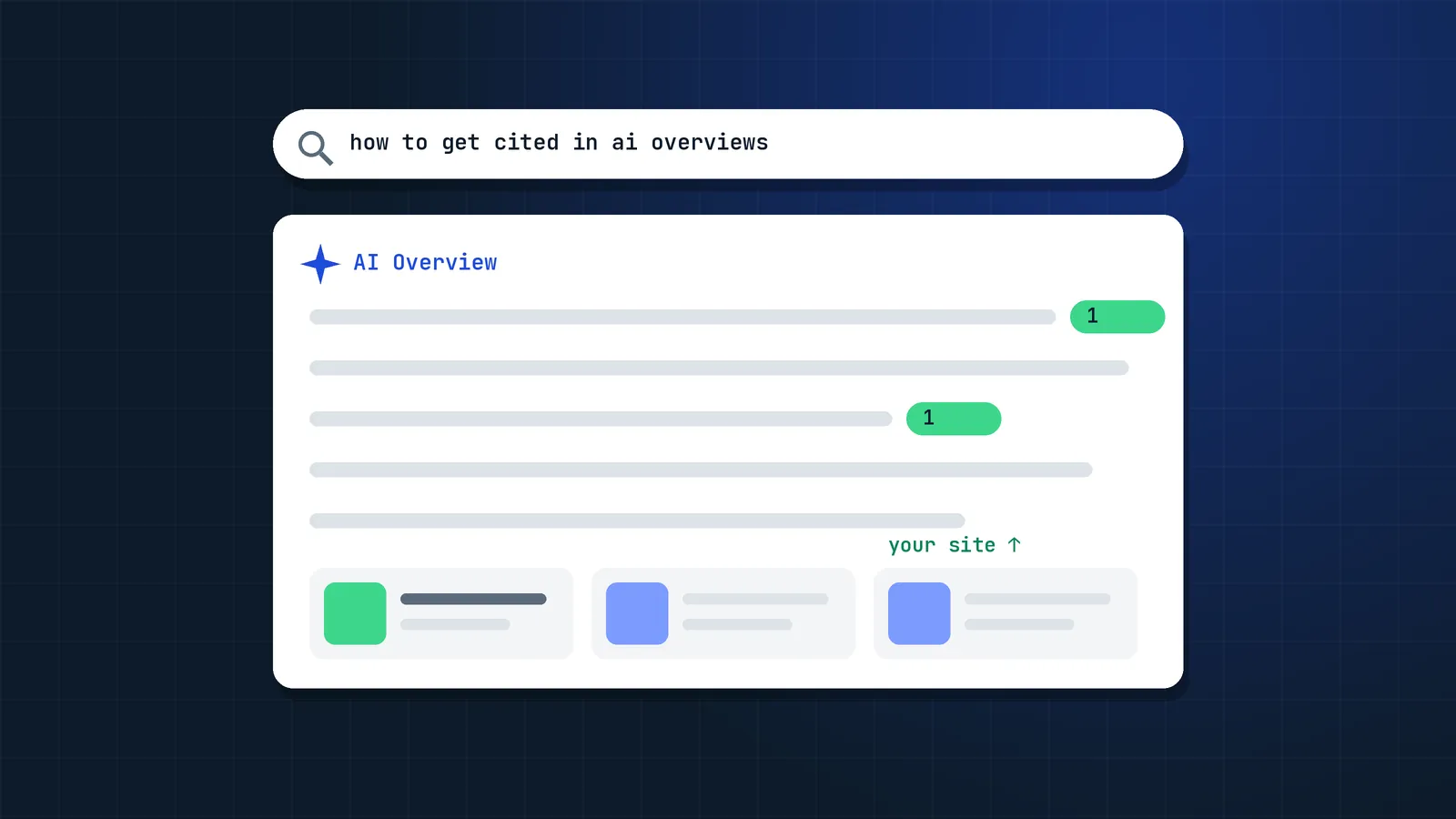
- Inline links appear higher in responses, and in more responses. Google said it has made "continued and substantial increases" to inline links, without sharing exact numbers.
- A test of a dedicated section for official links at the top of some responses, for tasks where only one or two official places on the web can help, with context about why each link is useful.
- More clickable links at the end of answers, now with image thumbnails.
- Carousels for timely articles in AI Search features are rolling out to more locations and languages, and they highlight the user's Preferred Sources.
- A test of clickable creator and publisher names on video results in AI Mode that link to their Search profiles.
The direction is clear: Google wants AI answers to send more visible credit to sources. Your job is to be one of them.
Note on reporting: according to Search Console Help, an AI Overview occupies a single position and every link inside it is assigned that same position. Moving your inline link higher in the answer will not change your reported average position, so judge success by impressions and clicks on the page, not position.
What is the difference between AI Overviews and AI Mode?
AI Overviews are AI-generated summaries shown at the top of a normal Google results page for some queries. AI Mode is a separate, conversational search experience where people ask longer questions and follow-ups. Both are grounded in Google's index and both can cite your pages, but they behave differently:
| AI Overviews | AI Mode | |
|---|---|---|
| Where it appears | Above the classic results on a normal results page | Its own tab and interface in Google Search |
| How it is triggered | Automatically, when Google decides a summary helps | The user chooses AI Mode, or follows a prompt to it |
| Typical query | Short informational questions | Longer, multi-part questions; Google says AI Mode queries are on average three times longer than traditional searches |
| Follow-up questions | No, one answer per search | Yes, the conversation continues |
| Retrieval | Grounded in core ranking results | Query fan-out across many related searches |
| Reach (Google, 2026) | More than 2.5 billion monthly users | More than 1 billion monthly users |
| Reporting | Search Console Generative AI report; one shared position in the Performance report | Search Console Generative AI report |
For SEO the work is the same: be indexable, answer the main question and its follow-ups clearly, and add information others lack. The difference is that AI Mode rewards pages that cover the follow-up questions, because it searches for them.
How do AI Overviews and AI Mode choose their sources?
Google has not published a formula for citations, but its AI optimization guide explains the basics: generative AI features are grounded in results from Google's core ranking systems, and pages must be indexed and eligible to show a snippet.
Step 1: The question is broken into sub-queries
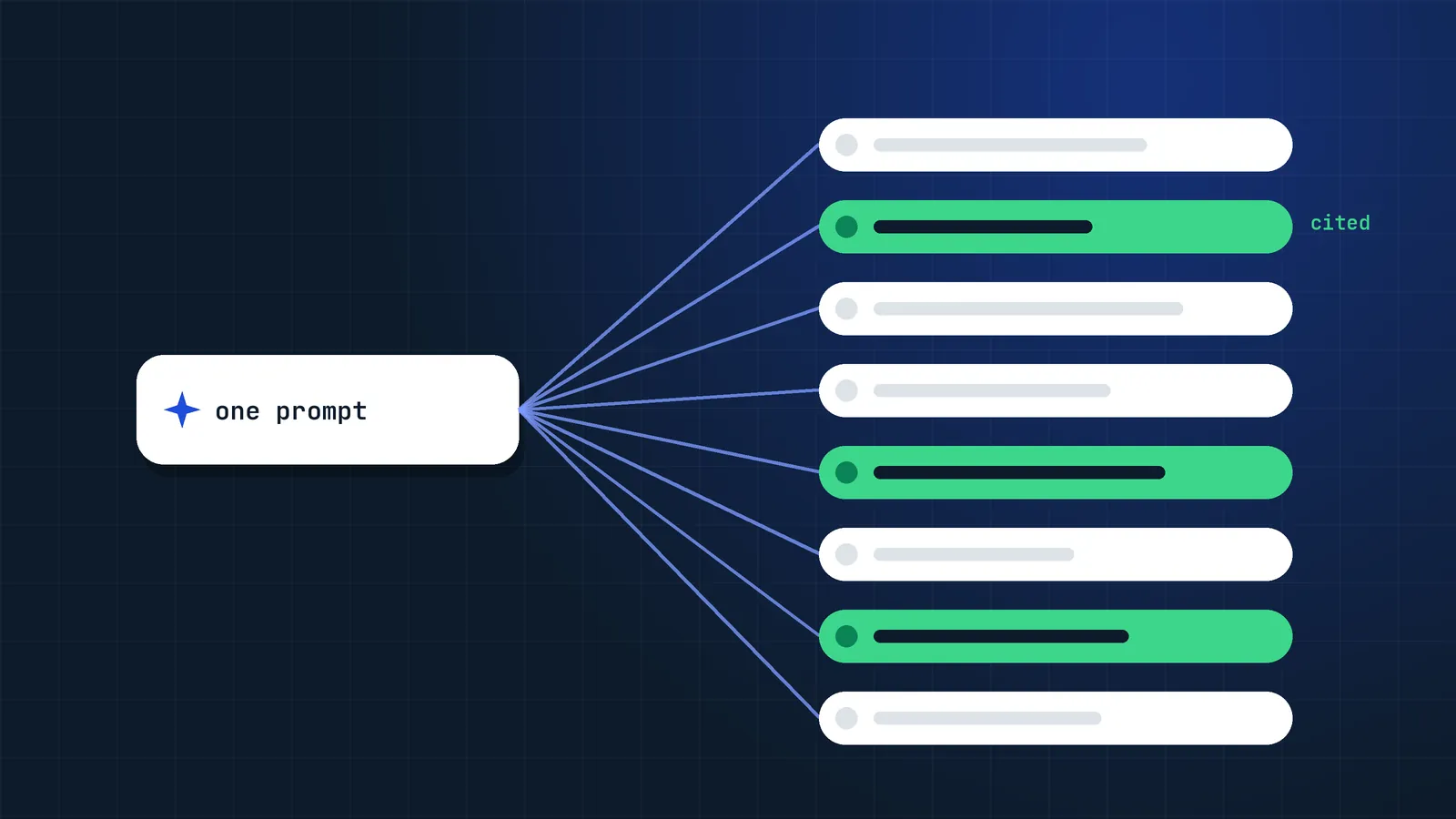
AI Mode uses a technique Google calls query fan-out: one question becomes several related searches that run at the same time. Google does not publish how many; third-party estimates for AI Mode are often around 8 to 12. I cover this in depth in Query fan-out: how AI search breaks down your question.
Step 2: Candidate pages are retrieved from the index
Sources come from Google's regular index. If a page is not crawlable, not indexed or blocked with nosnippet, it cannot be a source. Classic SEO is the entry ticket.
Step 3: The answer is grounded in the best results
Google says its systems understand multiple topics on one page and can show the relevant part to users, so you do not need to break content into tiny pieces. What helps is a page that answers the question clearly and adds something others do not.
Step 4: Links are attached to claims
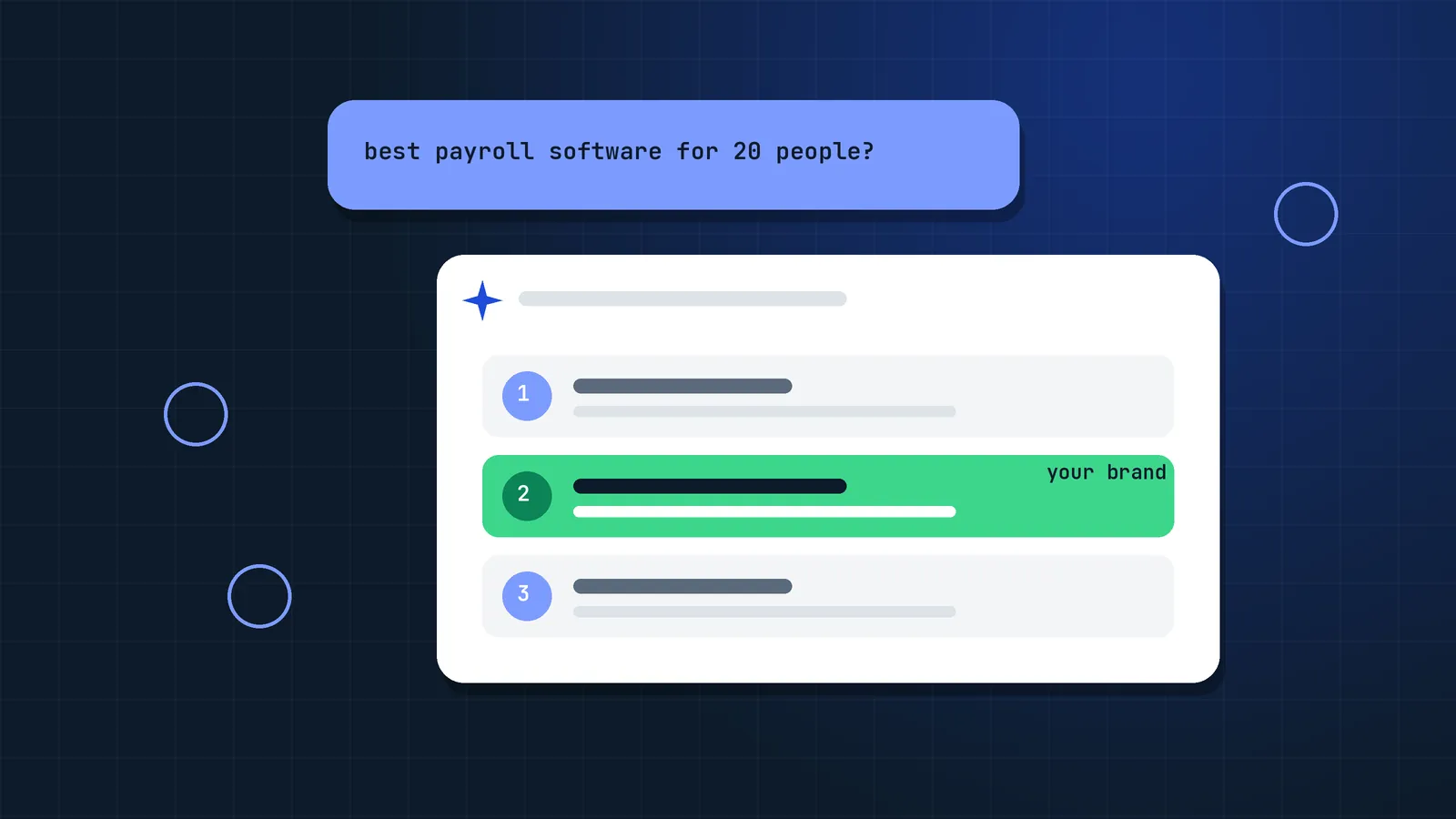
Inline links appear next to the words or phrases they support. In my experience, pages that state facts clearly and specifically are cited more often than pages full of hedged, generic text.
How do you get cited in AI Overviews and AI Mode? 9 steps
Getting cited comes down to three things: being eligible, answering the follow-up questions buyers actually ask, and being the clearest, most trustworthy source on them. These are the nine steps I use when I help brands get cited in AI search.
1. Make sure you are eligible
- In Search Console, open Settings → Search generative AI and confirm the control is set to Include. Since August 31, 2026 this control is available worldwide, and excluding your site removes it from AI Overviews, AI Mode and AI features in Discover.
- Do not use
nosnippetor very shortmax-snippetvalues on pages you want cited. Those directives limit what Google can show, including in AI features. - Confirm key pages are indexed (URL Inspection) and render their main content in HTML, not only after heavy JavaScript.
2. Map the questions behind your money topics
For each core topic, list the follow-up questions a buyer would ask. Pull them from People Also Ask, Search Console queries with 8+ words, sales and support calls, Reddit threads and the "dive deeper" suggestions AI Mode shows. Use them to make sure your existing pages answer what people actually ask. Google warns that creating separate content for fan-out variations mainly to manipulate rankings violates its scaled content abuse policy.
3. Answer clearly, for people first
Use descriptive headings and give the direct answer early, then add detail, examples and caveats. This is good writing for readers, not a special AI format: Google says you can ignore tactics like "chunking" content for its AI features.
Weak: "There are many factors to consider and it depends on your situation."
Citable: "A site migration usually causes a temporary traffic dip of a few weeks if redirects are mapped one-to-one; drops that last longer than eight weeks normally point to missing redirects, changed content or lost internal links."
4. Add the information others do not have
AI answers summarise the consensus. To be the source they link to, add something the consensus lacks: original numbers, a tested process, screenshots, pricing ranges, a comparison table, or an expert opinion with a reason. "Information gain" is the most reliable reason to cite one page over ten similar ones.
5. Use structure machines can parse
- Tables for comparisons and specifications.
- Numbered lists for processes.
- Definitions written as "X is…" sentences.
- One topic per section; avoid mixing three questions under one heading.
6. Show who is behind the content
Author names, bios, credentials, an About page, editorial dates and sources are not ranking hacks, but they help readers and match what Google's quality rater guidelines describe as trustworthy. Structured data such as Article with a real author is still useful for rich results, but Google says no special schema is needed for its AI features.
7. Keep facts fresh
AI answers favour current information for anything time-sensitive. Review top pages quarterly, update numbers and screenshots, and change the visible "updated" date only when the content really changed.
8. Build brand demand and mentions
Genuine reputation helps, especially in ChatGPT and Perplexity, which lean on what other sites say about you. Digital PR, expert quotes and podcasts all build it. Google specifically says to ignore inauthentic mentions, so earn them rather than buy or fake them. See LLM visibility: how to get your brand mentioned by ChatGPT, Perplexity and Gemini.
9. Ask your audience to add you as a Preferred Source
In its October 15, 2026 post, Google said Preferred Sources usage has grown more than 7× since the start of 2026, and preferred sources are now highlighted in the AI Search carousels. Google now lets publishers add an "Add to preferred sources" button with two lines of code, or a deep link in the format https://www.google.com/preferences/source?q=yourdomain.com. Only domains and subdomains qualify (not subfolders). Check the preferred sources documentation for current eligibility in AI features.
What should you avoid when optimising for AI Overviews?
Most citation problems come from writing for machines instead of people. Avoid these four mistakes:
- Writing "for AI" instead of people. Robotic FAQ blocks stuffed with keywords help no one and look like scaled content.
- Hiding the answer. Long intros before the answer frustrate readers and make the page less useful.
- Mass-producing near-identical pages. Google's spam policies on scaled content abuse apply whether the content is written by people or AI. Read how to use AI content without getting hit.
- Judging success by clicks alone. Many AI impressions will not produce a click, but they build the brand searches that do.
How do you measure AI Overview and AI Mode visibility?
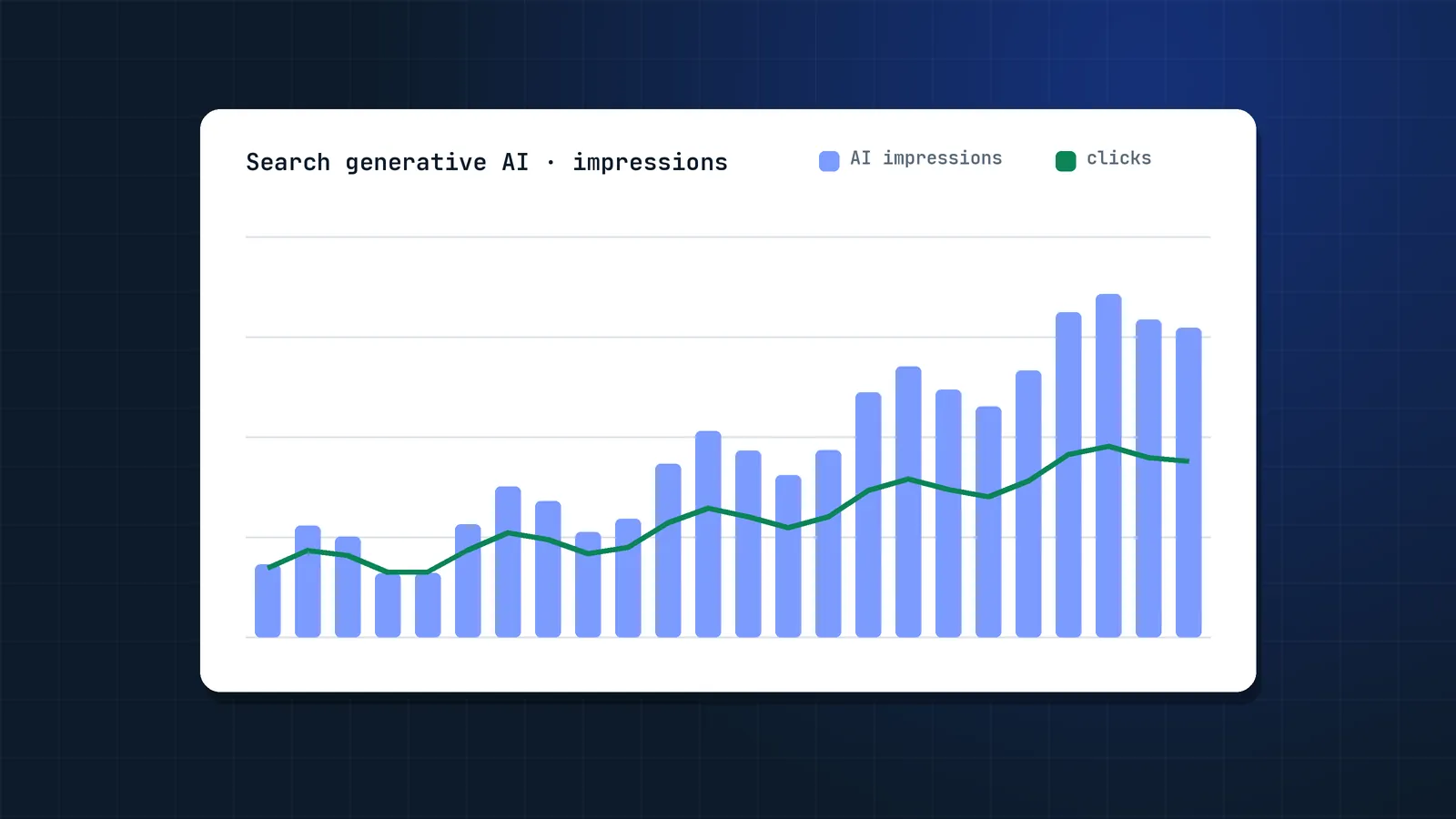
- Search Console Generative AI performance report. Shows impressions in AI Overviews and AI Mode by page, country, device and date. Google does not list clicks or queries among its metrics.
- Page-level trend analysis. Compare impressions, clicks and conversions for pages that gained AI impressions against pages that did not.
- Manual and tool-based tracking. Check your priority questions in AI Mode monthly, logged in and out, in the markets you serve. Rank trackers with AI Overview features help, but sample many prompts, since single answers vary.
- Branded search and direct traffic. Being cited often shows up later as more branded searches.
Full walkthrough: How to measure SEO in a zero-click world with Search Console's Generative AI report.
FAQ
Can I pay or submit content to appear in AI Overviews?
No. There is no submission process or paid placement for organic citations. Google says its AI features are grounded in its core ranking systems, so the path is the same as classic SEO: indexable, helpful, original content.
Do I need special schema markup for AI Overviews?
No. Google's AI optimization guide says structured data is not required for generative AI search and there is no special schema to add. Keep using structured data for rich results, but clear visible content matters more.
Does ranking number one guarantee a citation?
No. Because answers can draw on several related searches through query fan-out, a page that ranks lower for your main query can be cited for a specific detail while the top result is not. Strong rankings help, but they are not a guarantee.
Should I opt out of AI Overviews to protect my traffic?
For most sites, no. The Search generative AI control does not affect regular rankings, but excluding your site removes all impressions and traffic from AI features, including the more prominent links added in October 2026. Check your Generative AI performance report before deciding.
How long does it take to get cited after updating a page?
Once Google recrawls and reindexes the page, changes can show up within days to a few weeks. Request indexing for priority URLs in Search Console and make sure they are linked internally from strong pages.
What is the difference between AI Overviews and AI Mode?
AI Overviews are short AI summaries shown above the normal results for some searches. AI Mode is a separate conversational search mode for longer questions and follow-ups, which uses query fan-out to run many related searches. Both cite sources from Google's index and both appear in Search Console's Generative AI report.
Do AI Overview citations bring traffic?
Some, but less than a classic top ranking. Studies such as Ahrefs' 2026 update show fewer clicks when an AI Overview is present. The value of a citation is a mix of qualified clicks, brand exposure on every impression and later branded searches, so measure all three.
Is getting cited in AI Overviews the same as GEO?
It is one part of it. Generative engine optimization (GEO) covers visibility in all AI answers, including ChatGPT, Perplexity, Gemini and Copilot. For Google's AI features, Google says GEO is still SEO: the same indexing, ranking and helpful content rules apply.
Sources
- AI Mode and AI Overviews updates to explore the web, Google The Keyword (Oct 15, 2026)
- Google's guide to optimizing for generative AI features on Google Search, Google Search Central
- What are impressions, position, and clicks?, Search Console Help
- Help your readers find your site through preferred sources, Google Search Central
- Search generative AI control, Search Console Help
- Introducing Search Generative AI performance reports, Google Search Central Blog (Jun 3, 2026)
- AI Overviews cut organic clicks 38%, field study, Search Engine Journal
- AI Overviews reduce clicks by 58%: updated study, Ahrefs
- New opportunities, control and insights for website owners, Google The Keyword (Jun 2026)
- Q3 2026 earnings call: remarks from our CEO, Google (Oct 28, 2026)