For two years SEOs argued about how much AI Overviews were costing them, with no first-party data to prove it. In June 2026 Google finally gave us some: a dedicated Generative AI performance report in Search Console. It is a big step, but it is not the full picture. This guide shows how to use it and how to build reporting that holds up when a growing share of searches end without a click.
What does the Search Console Generative AI report show?
Google introduced the reports on June 3, 2026, with separate views for Search and Discover, starting with a test in the UK. Google says the insights became available to websites worldwide as of August 31, 2026. Sites with very few AI impressions may still see little or no data.
Included:
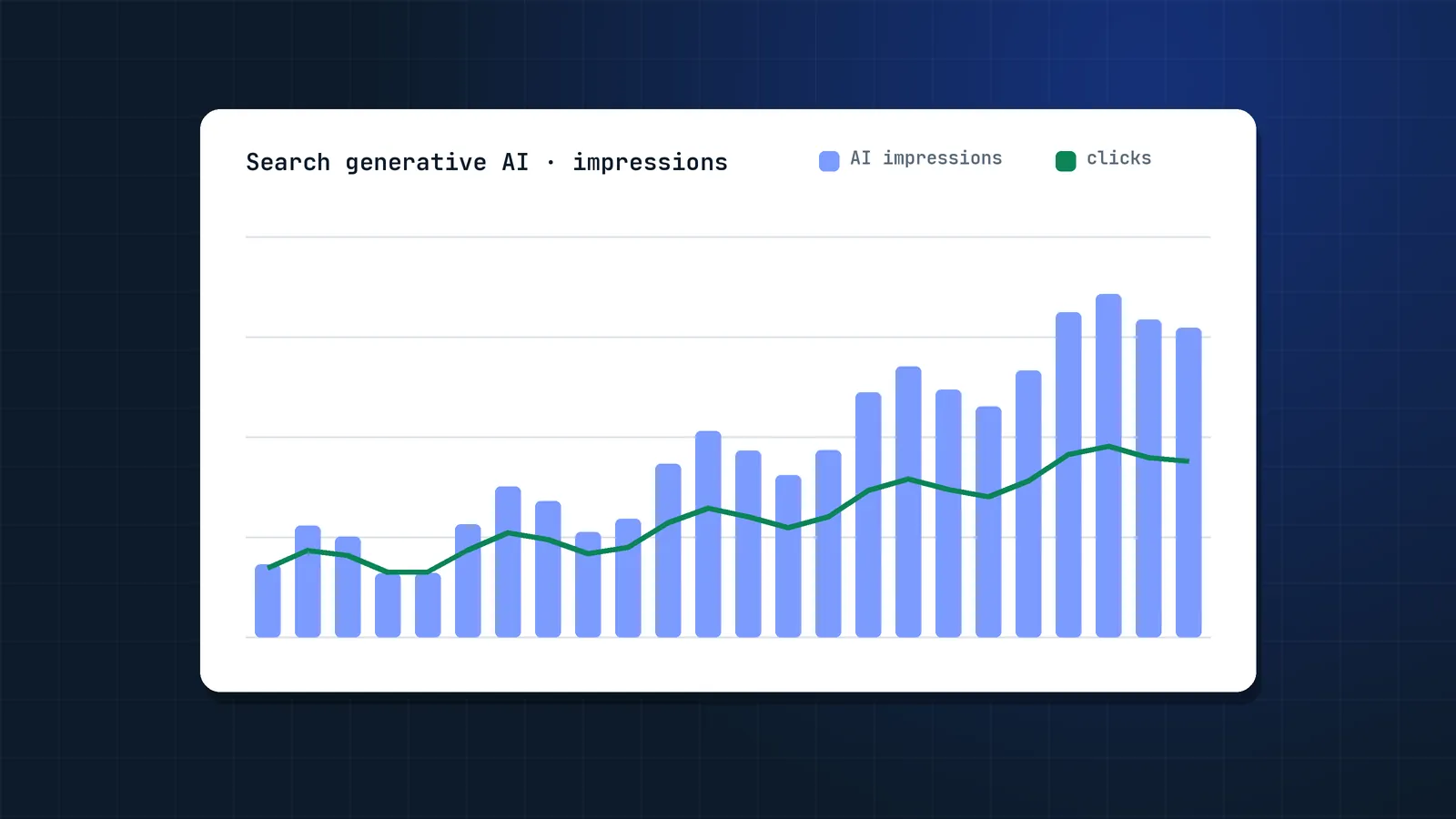
- Impressions: how often URLs from your site appeared in generative AI features (AI Overviews and AI Mode in Search, plus AI features in Discover).
- Pages: which URLs appeared.
- Countries and devices (devices for Search only).
- Dates: hourly, daily, weekly and monthly granularity.
Not listed by Google (at the time of writing):
- Clicks and CTR from AI features.
- Query-level data.
Check the report in your own property, since Google may add metrics over time.
AI feature impressions are also still counted inside the overall Performance report, so the new view is a slice, not extra traffic.
Position caveat: in the standard Performance report, Search Console Help says an AI Overview occupies a single position and all its links get that same position. Even after Google started showing inline links higher in October 2026, a better spot inside the answer does not change your reported position.
How do you analyse the Generative AI report? 5 practical analyses
1. Which pages are AI-visible?
Export the Pages table. Sort by impressions and tag each URL by type (guide, product, category, comparison, tool). You will usually see that informational guides dominate, while commercial pages rarely appear. That tells you where AI features touch your funnel.
2. AI share of impressions per page
For each top page, divide AI impressions by total Search impressions for the same period and country. Pages with a high AI share are the ones most exposed to zero-click behaviour. Watch their CTR in the standard report.
3. Before and after content changes
When you improve a page (see query fan-out), annotate the date and compare AI impressions four to six weeks later against a control group of similar pages you did not touch.
4. Country and device gaps
AI Mode and AI Overviews roll out unevenly. If AI impressions are strong in the US but absent in a market you serve, check whether the features are live there before you blame your content.
5. Discover
If you publish news or timely content, the Discover AI view shows whether your articles appear in Discover's generative features, which is increasingly relevant as Google expands AI summaries there.
How much do AI Overviews reduce clicks?
A lot, for top-ranking pages. The best independent studies put the loss at roughly half of expected clicks when an AI Overview is shown:
| Study | Finding |
|---|---|
| Pew Research Center (July 2025) | Users clicked a traditional result in about 8% of visits with an AI Overview, vs 15% without |
| Ahrefs, 2026 update (300,000 keywords, Dec 2023 vs Dec 2025) | Top-ranking pages had a 58% lower average CTR when an AI Overview was present, up from 34.5% in its 2025 study; position 2 lost about half its clicks |
Exposure keeps growing: Google reported in June 2026 that AI Overviews have more than 2.5 billion monthly users and AI Mode more than 1 billion. These are independent studies, not Google data, and figures differ by method. The direction is consistent: when an AI answer is shown, fewer people click. Google, for its part, keeps adding more prominent links to AI answers, so measure your own data rather than relying on industry averages.
How should you measure SEO in a zero-click world?
Stop treating clicks as the only proof of SEO value. Report on a chain:
Layer 1: Visibility
- Total impressions and AI impressions (Generative AI report).
- Rankings for priority topics, including long-tail sub-queries.
- Citations and mentions in ChatGPT, Perplexity and AI Mode for a fixed prompt set (see LLM visibility).
- Copilot citations from the AI Performance report in Bing Webmaster Tools.
Layer 2: Demand
- Branded search impressions in Search Console. Being seen in AI answers often turns into people searching for you later.
- Direct traffic trends.
- Referral traffic from AI assistants (chatgpt.com, perplexity.ai, gemini.google.com).
Layer 3: Engagement and revenue
- Organic conversions and revenue in GA4, ideally by landing page group.
- Conversion rate of organic sessions. Fewer but better-qualified clicks are common on AI-heavy queries.
- Assisted conversions where organic or AI referral was an earlier touchpoint.
Building the dashboard
- Export the Generative AI report monthly and store it in a sheet or BigQuery.
- Join it with standard Performance data by page and month.
- Add GA4 landing page conversions.
- Show three lines per page group: impressions, clicks, conversions. That shows leadership where AI absorbs clicks and where SEO still drives revenue.
Should you opt out of AI features?
For most businesses, no. Opting out removes you from AI answers and does not improve your regular rankings.
Search Console now has a Search generative AI control under Settings (Include is the default). According to Google's help page, excluding your site removes it from AI Overviews, AI Mode and AI Overviews in Discover. Google states that the control is not used as a ranking signal for the rest of Search and does not affect AI training (that is what Google-Extended is for).
Here is what opting out costs you:
- You lose all AI impressions and the links Google keeps making more prominent.
- Competitors stay in the answers, often summarising similar information.
- Your regular rankings do not improve.
It can make sense for publishers whose business model depends on the visit itself and who see AI summaries substituting for it. Even then, decide based on the Generative AI report, not instinct.
FAQ
Where is the Generative AI report in Search Console?
Look for the Search generative AI reports alongside the Performance reports in Search Console. There are dedicated views for Search and Discover. If you see little or no data, your property may not have enough AI impressions yet.
Does the Generative AI report show clicks from AI Overviews?
Not according to Google's announcement, which lists impressions broken down by page, country, device and date. Google says AI feature data is also included in the overall Performance report, where clicks are counted together with other Search results.
Why do AI impressions not match my traffic?
Impressions count every time your URL appears in an AI feature, even if the user never scrolls to it or clicks. Many AI answers satisfy the user without a click, so a high impression count with low traffic is normal.
Does opting out of AI Overviews improve my rankings?
No. Google says the Search generative AI control is not used as a ranking or inclusion signal for other parts of Search. Opting out only removes your site from AI features and the impressions and traffic they bring.
What metrics should I report to leadership now?
Report impressions (including AI impressions), branded search growth, organic conversions and revenue by page group. This shows the value of visibility even when clicks decline, and keeps the focus on business outcomes. It is the same reporting I set up in AI search consulting projects.
Is there a similar report for Bing and Copilot?
Yes. Bing Webmaster Tools launched an AI Performance report in public preview in February 2026. It shows how often your pages are cited in Microsoft Copilot and Bing's AI summaries, which URLs are cited and the grounding queries behind them.
How often should I export the Generative AI report?
Monthly is enough for most sites. Store each export in a sheet or BigQuery so you keep history, then join it with Performance report clicks and GA4 conversions by page to see where AI features absorb clicks and where organic still drives revenue.
Sources
- Introducing Search Generative AI performance reports in Search Console, Google Search Central Blog
- Search generative AI control, Search Console Help
- New controls and insights for website owners, Google The Keyword (Jun 3, 2026)
- What are impressions, position, and clicks?, Search Console Help
- Google users are less likely to click on links when an AI summary appears, Pew Research Center
- AI Overviews reduce clicks by 58%: updated study, Ahrefs
- Introducing AI Performance in Bing Webmaster Tools (public preview), Bing Webmaster Blog (Feb 2026)